Why Micro-Visuals Are Winning the Battle for Attention (And How to Harness Them)
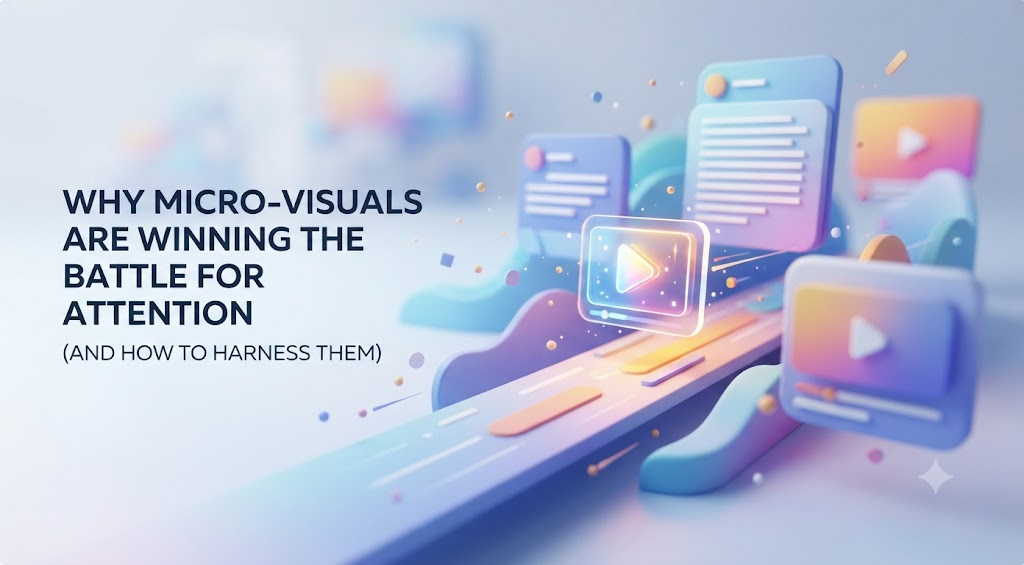
We have all felt that subtle friction while scrolling through a crowded social feed or skim-reading a cluttered inbox. Endless blocks of text blur together, static images feel a bit too quiet, and full-length videos often ask for more time than a busy reader is willing to commit right in the moment. In a digital environment where attention is the most valuable currency, capture must happen within milliseconds, not minutes.
That is precisely why short-form visual motion has become the secret engine of modern digital communication. When you need to demonstrate a quick feature update, add personality to a newsletter, or highlight a peak moment from a recent webinar, turning to a reliable video to GIF converter makes it remarkably simple to turn heavy video files into snappy, lightweight visuals that play automatically across almost any platform. By removing the friction of a play button, you instantly turn passive browsers into engaged viewers.
The Psychology Behind Motion-Driven Engagement
Why do looping animations and short visual clips punch so far above their weight? It comes down to basic human biology. Our visual cortex is hardwired to track movement. In a screen full of still text and images, a subtle burst of motion acts like an immediate visual anchor.
When someone opens an email or scrolls past a post, they are constantly performing micro-evaluations: Is this worth my time? A two-minute embedded video creates a cognitive barrier, the user has to stop, decide whether to turn on audio, and commit to watching. A three-second looping snippet, however, delivers the payoff before that internal hesitation even occurs.
Where Micro-Visuals Deliver the Highest ROI
- Email Marketing Campaigns: Static newsletters often suffer from declining click-through rates. Replacing a standard hero image with a brief, animated preview of a new product feature can double reader interaction.
- Product Tutorials & SaaS Documentation: Instead of writing five paragraphs explaining where to click in a dashboard, a clear three-second loop shows the exact cursor path instantly.
- Social Media Teasers: Key quotes from podcasts, funny outtakes from video shoots, or dramatic product reveals thrive when sliced into bite-sized loops for platforms like X, LinkedIn, or Threads.
- Customer Support Guides: Resolving a user issue with a quick visual explanation saves support agents time while providing a far warmer, clearer experience for the customer.
Repurposing: Turn One Video into a Visual Ecosystem
One of the biggest hurdles content teams face is the feeling of being on a relentless content treadmill. Creating high-quality video requires effort, planning, and budget. If that finished masterpiece lives only on YouTube or a landing page, you are leaving a tremendous amount of value on the table.
Smart digital strategists treat long-form video like a block of marble. The main video is the main sculpture, but the offcuts—the highlights, reaction moments, subtle interactions, and punchlines—can be carved into dozens of standalone visual assets.
Imagine hosting a 45-minute live stream. Within that single session, you likely have:
- A compelling chart demonstration that clarifies a complex industry trend.
- An enthusiastic reaction from a guest speaker.
- A step-by-step walkthrough of a new workflow.
By extracting these distinct moments, you build an entire gallery of multi-channel promotional material without shooting a single new frame. Streamlining this workflow through content platforms like RipRoar allows creators to scale their output effortlessly, ensuring every piece of produced media works three times as hard.
Best Practices for Crafting High-Impact Snippets
Creating effective micro-visuals is both an art and a science. Because these clips play on repeat without sound, they follow a different set of rules than traditional video production.
Keep the Duration Tight
The sweet spot for a looping visual is between 2 and 6 seconds. Anything shorter feels jarring and jumpy; anything longer risks losing the reader before the loop resets. Aim for a single, unified idea per clip.
Prioritize Mobile Readability
More than half of your audience will view your content on a smartphone screen. If your visual features screen recordings or technical dashboards, crop tightly around the specific action. Eliminate unnecessary surrounding layout so the central focus remains crisp and legible on smaller displays.
Manage File Size and Performance
A visual that takes six seconds to load completely defeats the purpose of instant engagement. Keep file sizes lean—ideally under 3MB for web pages and under 1MB for email embeds. Lowering the frame rate slightly from 30fps to 15fps or trimming non-essential frames will dramatically reduce file size without sacrificing smooth perception.
Add Text Overlay for Context
Since audio is disabled by default in email clients and many social feeds, your visual must be self-explanatory. Adding a clean, high-contrast text caption or animated subtitle ensures your point lands even if the viewer never hears a sound.
Building a Consistent Visual Rhythm for Your Brand
In modern digital marketing, brand recognition is built through consistency. When your audience comes across your communications, whether it is a weekly product digest, a LinkedIn post, or a blog article, having a distinct visual style sets you apart from noisy feeds.
Pro Tip: Establish a clear visual guideline for your micro-content. Standardize your cropping ratios (such as 1:1 for social feeds or 16:9 for blog inline media), choose a uniform font for overlay text, and maintain a consistent color palette across all short-form assets.
When your visual assets feel deliberate and cohesive, your brand naturally projects authority, polish, and professionalism.
Final Thoughts
Capturing interest online does not require louder headlines or longer sales pitches. More often, it simply requires removing friction and meeting your audience where their attention already lives. By transforming long-form footage into crisp, targeted, and automatically playing micro-visuals, you turn static communication into a dynamic conversation. Take a look at your existing video library today; you likely already have dozens of engaging visual stories waiting to be unbundled.

riproar
Related articles

Chart Patterns, Special Tools & Market Tendencies: A Trader’s Real Guide to Riproar Moments
Contents What Is a Riproar Moment and Why Should You Care The Chart Patterns That Actually Precede Riproar Events Compression…
RoarLeveraging Business InfoGuide by RiProar: What It Actually Is, How It Works, and Why Most Articles Get It Wrong
Contents What the RoarLeveraging Business InfoGuide by RiProar Actually Is Why RiProar Exists — And What Makes It Different From…

Riproar Business Digital Transformation: The Playbook US Businesses Actually Need
Contents What “Riproar” Actually Means in Business Transformation Why 70% of Digital Transformations Still Fail The 5-Stage Riproar Framework Stage…